Every major hearing aid brand has a free phone app, and it only works with that brand's aids. Here is what each app does, which ones let your audiologist fine-tune your aids remotely, and when the app should, and should not, sway your choice of hearing aid.
Quick answer
Every major hearing aid brand has a free app, and each works only with its own brand's aids: the Signia App or Signia One, myPhonak, ReSound Smart 3D, Oticon Companion, the Widex Allure or Moment app, Unitron Remote Plus and My Starkey. All control volume and programs. They differ in remote fine-tuning by your audiologist, AI sound assistants and extras such as Starkey's fall alerts.
Key takeaways
- An app only works with its own brand's hearing aids, so choose the aid first and the app comes with it.
- Signia, Phonak, ReSound, Oticon, Unitron and Starkey build remote fine-tuning into their main app; Widex uses a separate Remote Care app.
- My Starkey is the only app here with fall detection and alerts to contacts you choose.
- Signia's assistant and Widex's AI Sound Assistant adjust the sound from your feedback in a few taps.
- You do not need a smartphone: modern aids adjust automatically and have buttons for volume and programs.
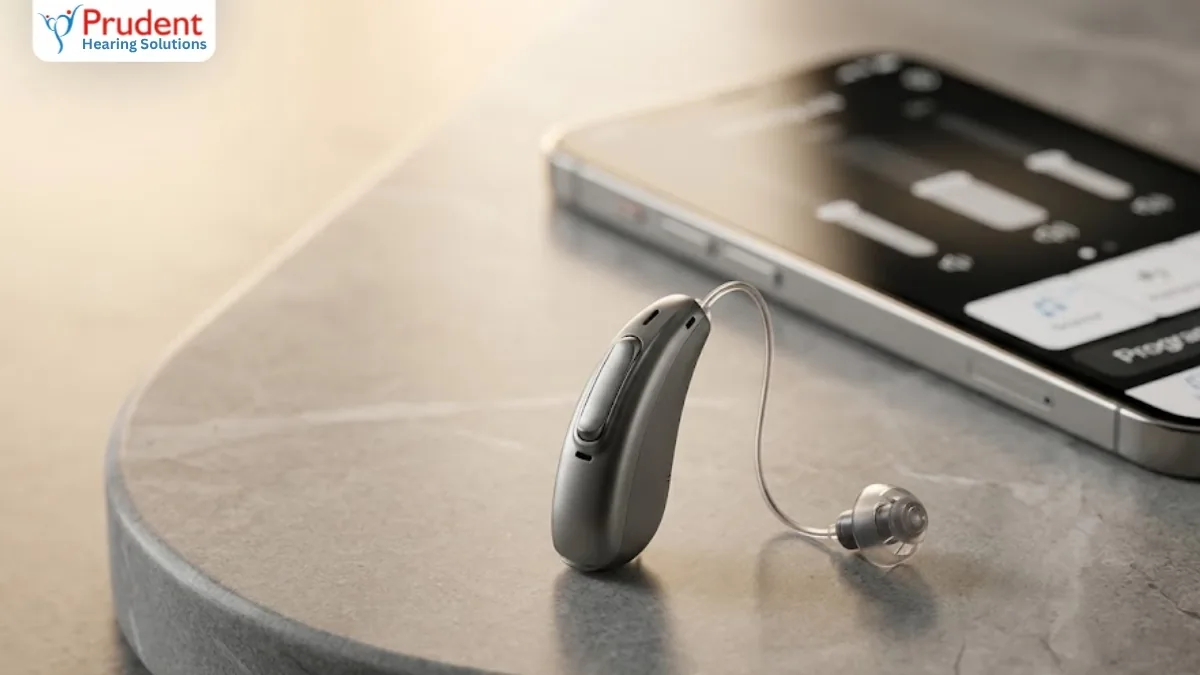
Every major hearing aid brand has a free phone app, and the app comes with the hearing aid: you cannot run a Phonak aid from Signia's app, or the other way round. So the app is part of choosing a brand, not a separate purchase. All of them handle the basics: volume, programs and battery level.
They differ in three areas. First, whether your audiologist can fine-tune your aids remotely through the app. Second, how much AI help the app gives you to adjust the sound yourself. Third, extras such as health tracking, fall alerts or tools for Auracast broadcasts. This guide compares the apps for the brands we fit, using each manufacturer's own app information as checked on 7 October 2026.
What can a hearing aid app do?
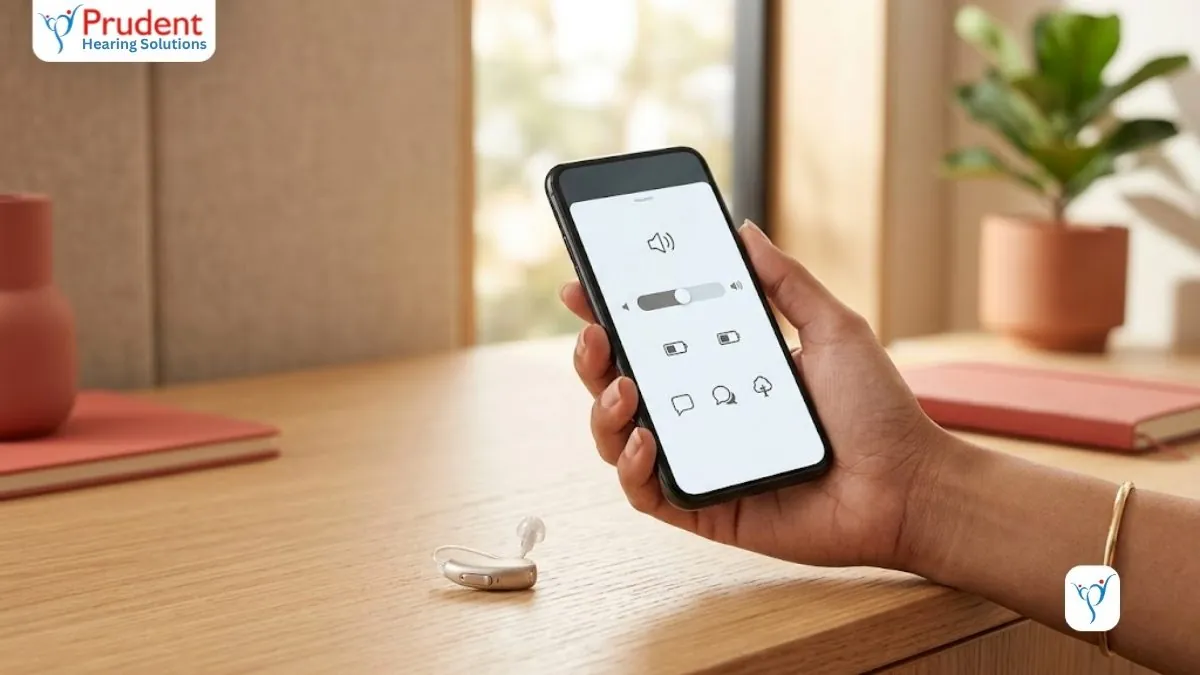
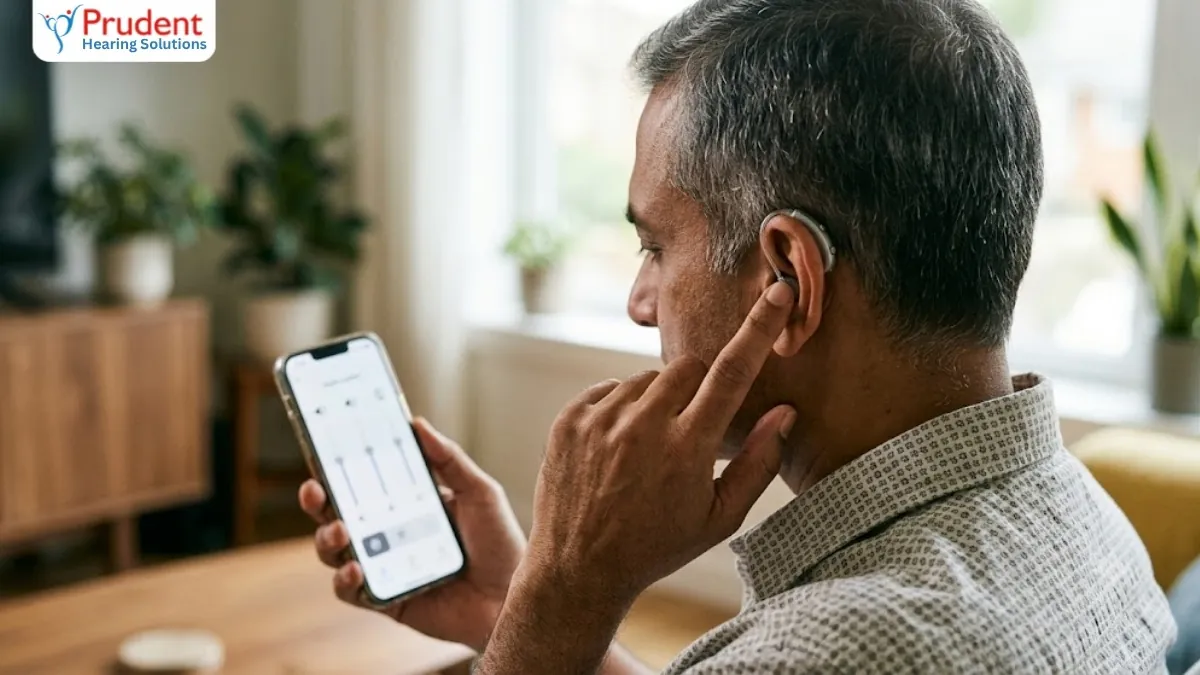
A hearing aid app is a remote control for your aids with a few extra tools. The features below are common, though not every brand or model has all of them:
- Basic controls: volume for each ear, switching programs (such as a restaurant or TV program), mute, and battery or charge level.
- Sound adjustments: simple sliders for bass and treble, and on many models controls for noise reduction or focus on speech.
- Find my hearing aids: a map of where your aids were last connected to the phone.
- Remote fine-tuning: your audiologist sends new settings to your aids through the app, sometimes during a live video call, if the clinic offers it.
- Extras: tinnitus relief sounds, wearing-time and activity tracking, fall alerts on some Starkey models, and tools for joining Auracast broadcast audio.
None of this replaces the fitting. The app works within the limits your audiologist programs, so it fine-tunes a good fitting rather than fixing a poor one. For step-by-step use of buttons, apps and remotes, see how to control your hearing aids.
Hearing aid apps compared at a glance
| Brand | App | Remote fine-tuning with your clinic | Stand-out features | Good to know |
|---|---|---|---|---|
| Signia | Signia App (IX, AX and X aids); Signia One for the newest MaX aids | Yes, TeleCare: live remote tuning plus text, voice or video chat | Signia Assistant, an AI helper for sound and handling questions; My WellBeing activity tracking | TeleCare depends on your model, your country and your clinic |
| Phonak | myPhonak | Yes, Remote Support: live video sessions by appointment | Hearing Diary to rate situations; health tracking; Find My Hearing Aids and Speech Clarity controls on Sphere Infinio | Remote Support needs a myPhonak account linked to your clinic and is not offered in every country |
| ReSound | ReSound Smart 3D | Yes, ReSound Assist: remote fine-tuning requests and live video appointments | Check My Fit uses the phone camera; Auracast Assistant joins broadcasts in one tap; find your hearing aids | No health or fitness tracking; the same app runs Nexia, Vivia and Sensia |
| Oticon | Oticon Companion | Yes, RemoteCare: live video appointments | Tinnitus SoundSupport, HearingFitness wearing-time goals, Find My Hearing Aids, Apple Watch control | Replaced the older Oticon ON and Remote Care apps; needs iOS 15.2 or Android 10 or later |
| Widex | Widex Allure app (Allure aids); Widex Moment app (Moment aids) | Yes, through the separate Widex Remote Care app | AI Sound Assistant and AI Quick Assistant on Allure; SoundSense Learn and My Sound on Moment | Remote care is a separate app and not every style supports it |
| Unitron | Unitron Remote Plus | Yes, adjustments arrive in the app and you apply them when convenient | Ratings and Insights share your listening experience with your clinic; Coach tips; Find my Devices | Insights stores data in the cloud, so it asks for your consent first |
| Starkey | My Starkey (Genesis AI, Edge AI, Omega AI); Thrive for older Evolv AI aids | Yes, TeleHear | Fall detection with alerts to chosen contacts; Edge Mode+; health tracking; a voice assistant | Needs iOS 16 or Android 8 or later |
Brand by brand: what each app is good at
Signia: an AI assistant inside the app
The Signia App works with Signia's IX, AX and X hearing aids. Its Signia Assistant answers handling questions and adjusts the sound when you describe a problem, and TeleCare lets your audiologist tune the aids remotely and chat with you by text, voice or video. Signia's newest MaX aids use a separate app, Signia One, built around a conversational AI assistant. Our Signia app and phone guide covers setup step by step.
Phonak: remote video support and a hearing diary
myPhonak, the app for Phonak hearing aids, covers volume, programs, noise reduction and an equaliser, and adds a Hearing Diary where you rate situations so your audiologist can see how the aids are doing day to day. Remote Support is a live video session in which the audiologist can change most settings. Sphere Infinio wearers also get Speech Clarity controls and Find My Hearing Aids. Heart-rate tracking needs a model with a built-in sensor, such as the Audéo Fit.
ReSound: fit checks and easy Auracast
ReSound Smart 3D runs the ReSound Nexia, Vivia and newer Sensia aids. Check My Fit uses your phone's camera to confirm the aids sit correctly, and the Auracast Assistant lets you join public broadcasts in one tap even when your phone does not support Auracast itself. ReSound Assist offers remote fine-tuning requests and live video appointments. The app has no health or fitness tracking.
Oticon: simple controls and tinnitus relief
Oticon Companion, the app for current Oticon hearing aids, controls volume for each ear, programs and streaming accessories such as the TV Adapter, and includes Tinnitus SoundSupport sounds and HearingFitness wearing-time goals. RemoteCare appointments run as live video calls. Companion replaced the older Oticon ON and Remote Care apps, so anyone still using those should move to it.
Widex: AI that learns what you prefer
Widex has two current apps. The Widex Allure app has an AI Sound Assistant that compares two settings and saves the one you prefer as a program, plus an AI Quick Assistant that suggests settings based on what other users chose. The Widex Moment app offers the older SoundSense Learn and My Sound tools. Remote care runs through a separate Widex Remote Care app.
Unitron: feedback that reaches your audiologist
Unitron Remote Plus, the app for Unitron hearing aids, lets you rate how you hear in each situation. With Insights switched on, it shares your wearing time and listening environments with your clinic, so remote adjustments are based on how you actually use the aids. Adjustments arrive in the app and you apply them when convenient. Coach sends tips and reminders, and Find my Devices helps locate lost aids.
Starkey: health tracking and fall alerts
My Starkey works with Starkey's Genesis AI, Edge AI and Omega AI aids. It is the only app in this list with fall detection, which can alert contacts you choose, and it tracks steps and activity. Edge Mode+ adjusts the sound on request for clearer speech or more comfort, and TeleHear provides remote help. Older Evolv AI aids still use the Thrive app.
Do you need the app at all?
No. Every modern hearing aid adjusts automatically without a phone, and many people, especially older parents, rarely open the app after the first few weeks. The app is worth it if you like to fine-tune the sound yourself, stream calls, or want remote adjustments so you visit the clinic less often.
If the wearer will not use a smartphone, choose an aid with a simple push button and a rechargeable battery, so daily use needs no phone at all. Most brands also sell a small remote control accessory for volume and programs.
Will the app work with my phone?
Each app lists minimum phone versions, and Android support varies more than iPhone support because handsets differ. Check the brand's compatibility list for your exact phone, and bring the phone to your fitting so the audiologist can pair it and test a call before you decide. If an app stops connecting, our Bluetooth troubleshooting guide lists the fixes that work most often, and our Bluetooth hearing aids guide explains streaming.
Remote fine-tuning in India: what to expect
Remote adjustment needs two things: a hearing aid model that supports it and a clinic that offers it. Not every clinic in India does, and Widex needs a separate app for it. Ask before you buy whether follow-ups can happen remotely, how they are booked and whether there is a charge.
Remote care suits small tweaks. The first fitting and any real-ear measurement still need an audiologist with you, in the clinic or on a home visit.
Privacy: what the apps collect
Health tracking, hearing diaries and remote care usually need an account and store data in the manufacturer's cloud. Unitron, for example, asks for your consent before Insights shares data with your clinic. Read the consent screens, switch off the features you do not want, and remember that basic volume and program controls do not need any of them.
Should the app decide which hearing aid you buy?
Rarely. The fitting, the sound in noisy places and your comfort matter far more than the app. The app is a fair tie-breaker in a few cases:
- A parent who lives alone: Starkey's fall alerts may matter more than any sound feature; see hearing loss and fall risk.
- You live far from your clinic: pick a brand and a clinic that offer live video remote care.
- The wearer avoids smartphones: pick the simplest aid to handle and treat the app as optional.
At your free hearing test, we pair the app with your own phone and show you how it works for the brands that suit your hearing, before you decide.
Continue reading
Frequently asked questions
Which is the best hearing aid app?
There is no single best app, because each one works only with its own brand's hearing aids. My Starkey has the most health features, including fall alerts; Signia and Widex have AI assistants that adjust the sound from your feedback; and most brands offer remote fine-tuning. Choose the hearing aid first, then learn its app.
Do hearing aid apps work with any hearing aid?
No. Each app works only with its own brand's Bluetooth hearing aids, and often only with recent models. Signia's MaX aids use Signia One rather than the Signia App, Widex Allure and Moment aids use different apps, and older Starkey Evolv AI aids use Thrive instead of My Starkey.
Can my audiologist adjust my hearing aids through the app?
Yes, if your hearing aid model supports it and your clinic offers it. Signia (TeleCare), Phonak (Remote Support), ReSound (ReSound Assist), Oticon (RemoteCare), Unitron (Remote Plus) and Starkey (TeleHear) build it into their main app; Widex uses a separate Remote Care app. The first fitting still needs an in-person visit.
Are hearing aid apps free?
Yes. All the brand apps in this guide are free to download from the App Store and Google Play. You need a compatible hearing aid and phone, and remote follow-ups may carry a clinic charge, so ask before you buy.
Do I need a smartphone to use hearing aids?
No. Modern hearing aids adjust automatically, and you can change volume or programs with a button on the aid. If the wearer avoids smartphones, choose an aid with a simple push button and a rechargeable battery; most brands also sell a small remote control.
Sources & further reading
We cross-checked this article against the following authoritative sources. Guidance and figures reflect the most recent public guidance available at the time of last review (October 2026). Clinical review by the Prudent Hearing clinical team.
- Signia App (Signia (WS Audiology))
- myPhonak app (Phonak (Sonova))
- ReSound Smart 3D app (ReSound (GN Hearing))
- Oticon Companion app (Oticon (Demant))
- Widex hearing aid apps: Allure, Moment and Remote Care (Widex (WS Audiology))
- Remote Plus app (Unitron (Sonova))
- My Starkey app (Starkey)
Free consultation
Ready to hear the difference?
Book a free 45-minute hearing test at any Prudent Hearing clinic: no obligation, honest advice, expert audiologists.