Educational information, not medical advice. This article is written to help you understand common ear and hearing issues. It is not a substitute for professional diagnosis or treatment. If your symptoms are severe, sudden, or persistent, please consult a qualified doctor or audiologist. For urgent symptoms (sudden hearing loss, bleeding from the ear, severe pain with dizziness, or a head injury), seek medical care the same day.
Keep your Signia hearing aid working its best: daily cleaning, IP68 water resistance, battery life, when to replace it, and fixing no sound or whistling.
A Signia hearing aid is a small, well-engineered computer that sits on your ear all day, through Pune traffic, Delhi dust, Bengaluru drizzle, sweat and the odd splash at the wash-basin. Treated well, it will serve you quietly for years. Ignored, it can crackle, cut out or whistle within a single humid season.
This guide covers the everyday side of owning one: how to tell it is working properly, how to clean and store it, how far its water resistance really goes, how long the battery lasts, when the device itself is due for replacement, and a plain step-by-step for the four problems people ring us about most: no sound, weak sound, whistling and a phone that will not connect. If you are still choosing a model, our overview of Signia hearing aids in India covers the range first.
How do I know if my Signia hearing aid is working properly?
A healthy Signia should feel unremarkable: you put it in, sounds come through clearly and evenly, and you more or less forget it is there. The clearest sign that all is well is that speech stays comfortable in a quiet room without you constantly reaching for the volume. Beyond that daily feel, here is a quick check you can run in under a minute.
- Cup the aid in your hand: a working aid will whistle. That feedback means the microphone and speaker are both live.
- Listen for a start-up chime or the charging light. A rechargeable Pure or Styletto should power on with a small tone.
- Speech should sound clear and steady, not thin, hollow, distant or fluttering in and out.
- Your own voice should sound reasonably natural. Signia's Own Voice Processing is built to stop it booming, so if your voice suddenly sounds like you are in a barrel, something has shifted.
- The Signia app should show a battery level and stay connected without repeated dropouts.
If it passes all of that, your aid is working. If one or two things are off (muffled speech, a dead ear, constant whistling), jump to the troubleshooting section below, because most of these have a two-minute fix at home.
How do I care for my Signia hearing aids?
Care is mostly about two enemies: earwax, which blocks the sound outlet, and moisture, which corrodes the electronics. A short daily routine handles both and is by far the cheapest way to protect a device that cost you tens of thousands of rupees. None of it needs special skill.
Every night: the two-minute routine
- Wipe the shell and dome with a dry microfibre cloth, never a wet wipe.
- Brush the microphone ports and wax guard with the small brush Signia supplies.
- For rechargeable Pure, Styletto or Motion models, drop them in the charger; for battery models, open the battery door to let air in and save power.
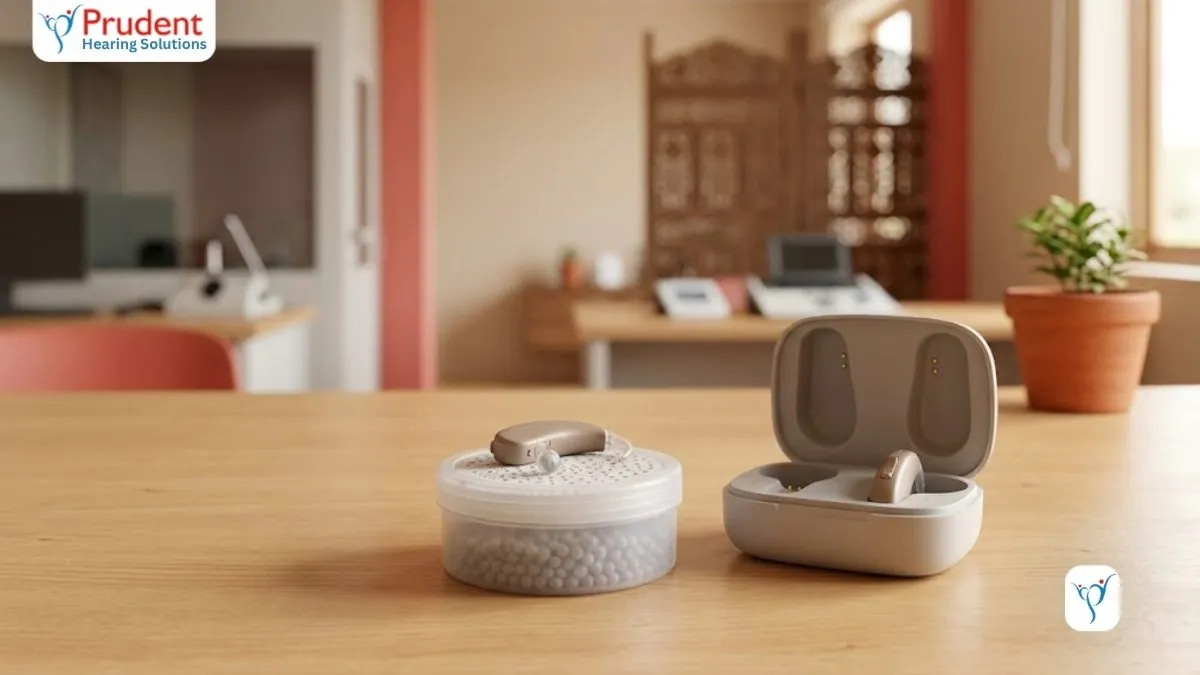
- Store overnight in a drying kit or an electric dehumidifier. This pulls out the day's sweat and humidity.
Every week
- Change the wax filter if speech has started sounding muffled. A blocked filter is the single commonest cause of weak sound.
- Check the dome or ear-mould for wax and debris, and wipe the charging contacts with a dry cotton bud.
- Look the aid over for cracks in the tube or dome.
For a fuller seasonal routine, and the extra care Indian humidity demands, see our guide to caring for your hearing aids in the monsoon.
What to never do
- Never use tissue paper; it leaves lint in the ports.
- Never blow on the aid to clear it; the moisture in your breath harms the microphone.
- Never leave it in a car glovebox or on a sunny window-sill; heat kills batteries.
- Never wash it under a tap or dunk it in water, whatever the water-resistance rating.
Are Signia hearing aids water resistant?
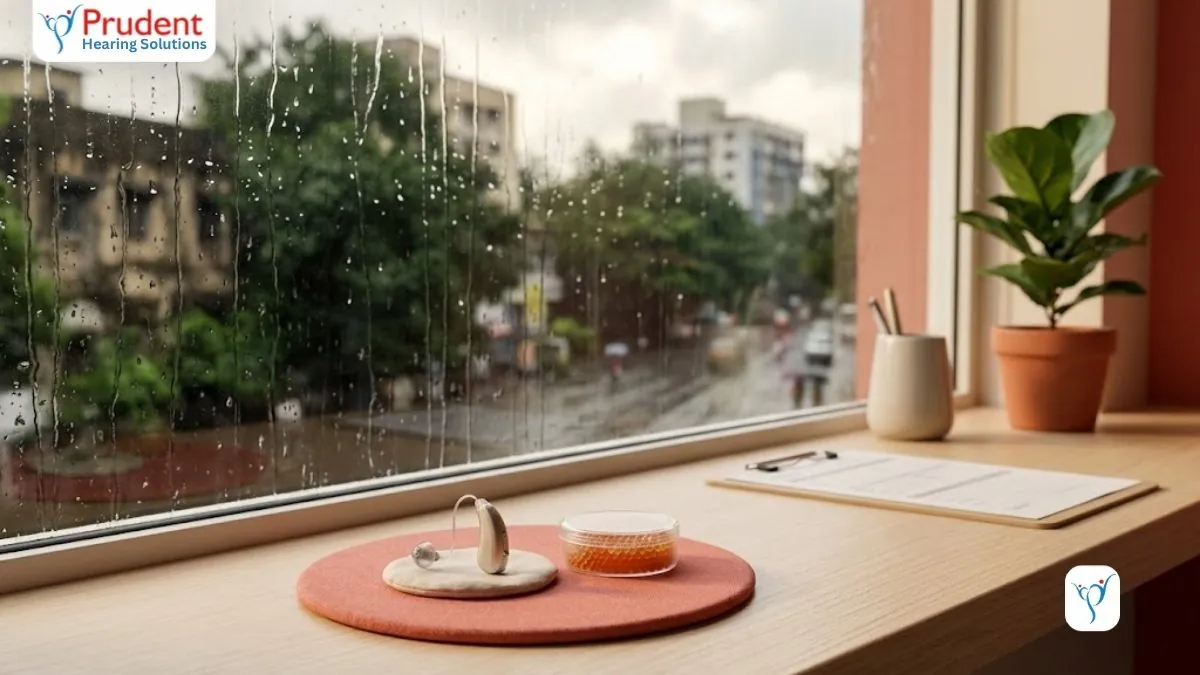
Most modern Signia models carry an IP68 rating. In plain terms, that means they are built to shrug off dust and to survive sweat, humidity and the occasional splash or light rain, exactly the conditions an Indian monsoon or a sweaty commute throws at them. This is genuinely useful and is one reason Signia holds up well here.
But water resistant is not waterproof, and IP68 on a hearing aid is not an invitation to swim. Do not wear your Signia in the shower, in the pool, in the sea, or in heavy rain without a cover, and never deliberately submerge it.
If it does get properly wet, take out or switch off the battery, wipe it dry, and leave it in a drying kit overnight. Do not use a hairdryer or put it on a radiator, as direct heat does more damage than the water. If it will not restart the next morning, take it to your clinic rather than forcing it.
How long do Signia hearing aid batteries last?
It depends on whether you have a rechargeable Signia or a disposable-battery one, and the two behave very differently.
Rechargeable models (the Pure Charge&Go, Styletto and Motion Charge&Go) give you roughly a full day on an overnight charge. A complete charge typically lasts from morning until night, with a bit less if you stream a lot of phone calls, music or TV over Bluetooth. The convenience is the real draw: no fiddling with tiny cells, just drop them in the case at bedtime. If you are weighing this against replaceable cells, our piece on rechargeable versus battery hearing aids lays out the honest trade-offs.
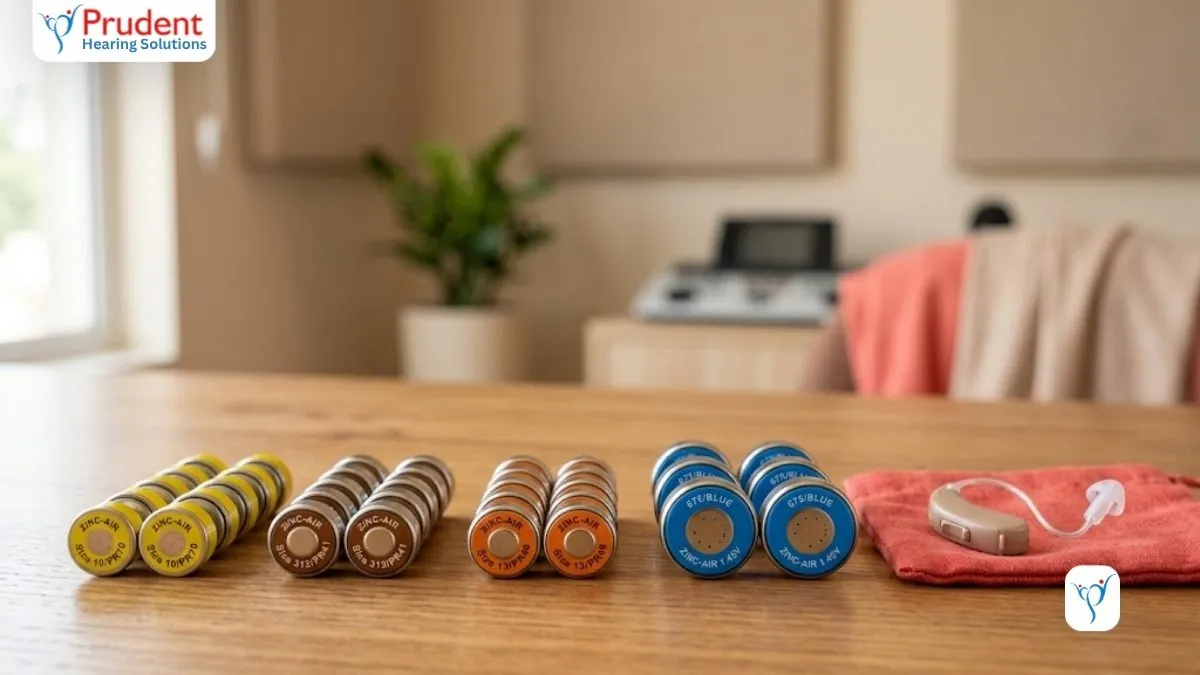
Disposable-battery models use standard zinc-air button cells (size 312, 13 or 10 depending on the aid), and these last anywhere from a few days to a couple of weeks per cell. Smaller size-10 cells in tiny CIC aids run down fastest; the larger size-13 cells in behind-the-ear models last longest. Streaming and stronger amplification drain them quicker. Keep spare cells handy, and only peel the sticker off a zinc-air battery a minute before you use it, as that little tab activates it.
When the rechargeable cell itself wears out
The built-in rechargeable cell in a Signia is not the same as the daily charge. Like any rechargeable battery it slowly loses capacity, and after several years of nightly charging you may notice the aid no longer comfortably lasts a full day. That is normal ageing, not a fault. The cell can usually be serviced or replaced by Signia through your clinic rather than needing a whole new device, which is worth asking about before you assume the aid is finished.
How often do I need to replace my hearing aids?
A well-cared-for Signia typically lasts about four to six years before it makes sense to replace it. Some go longer; some wear out sooner if they take a lot of sweat, wax and knocks. You are usually replacing for one of two reasons: the hardware is tired, or your hearing has changed enough that a newer device would serve you better. Signs it is time:
- Repeated breakdowns or crackle that a service and clean no longer fix.
- The battery no longer holds a useful day's charge even after servicing.
- Your hearing has shifted and the aid can no longer be turned up or tuned to keep up. A fresh hearing test will tell.
- Parts or software support for an older model have been discontinued.
- Newer technology (better speech-in-noise, Bluetooth streaming, a smarter app) would make a real difference to your day.
None of this is a hard rule. The right time to replace is when a fair-minded audiologist, after a hearing test, tells you a new fitting will genuinely help, not simply because a few years have passed.
How do I troubleshoot my Signia hearing aids?
Most day-to-day problems have a simple cause and a two-minute fix before you need to visit a clinic. Work through the checks for whichever of these four sounds like your problem.
No sound at all
- Check it is charged, or that the battery is fresh and the door fully closed.
- Make sure it is actually switched on and not muted or bumped into a different programme by accident. A press-and-hold, or a look in the app, resets this.
- Check the wax guard and sound outlet: a fully blocked filter can silence the aid completely, so change the wax filter.
- Confirm the dome is clean and clear, and that the receiver wire is not cracked or pulled loose.
Weak, muffled or distant sound
- This is almost always earwax: either on the wax guard or in your own ear canal. Change the wax filter first; it fixes the majority of these.
- Clean the dome and microphone ports with the brush.
- If a fresh filter and a clean dome do not help, the blockage may be wax deep in your ear rather than the aid. That needs professional ear wax removal, not more cleaning of the device.
- Check the volume has not been nudged down in the app, and that you are on the right listening programme.
Whistling or feedback
- A little whistling when you cup your hand over the aid or hug someone is normal. Constant whistling in normal use is not.
- Re-seat the aid: a dome that is not sitting deep enough in the canal is the usual culprit. Push it gently back in until the whistle stops.
- Check for wax build-up in your ear canal, which bounces sound back into the microphone and causes feedback.
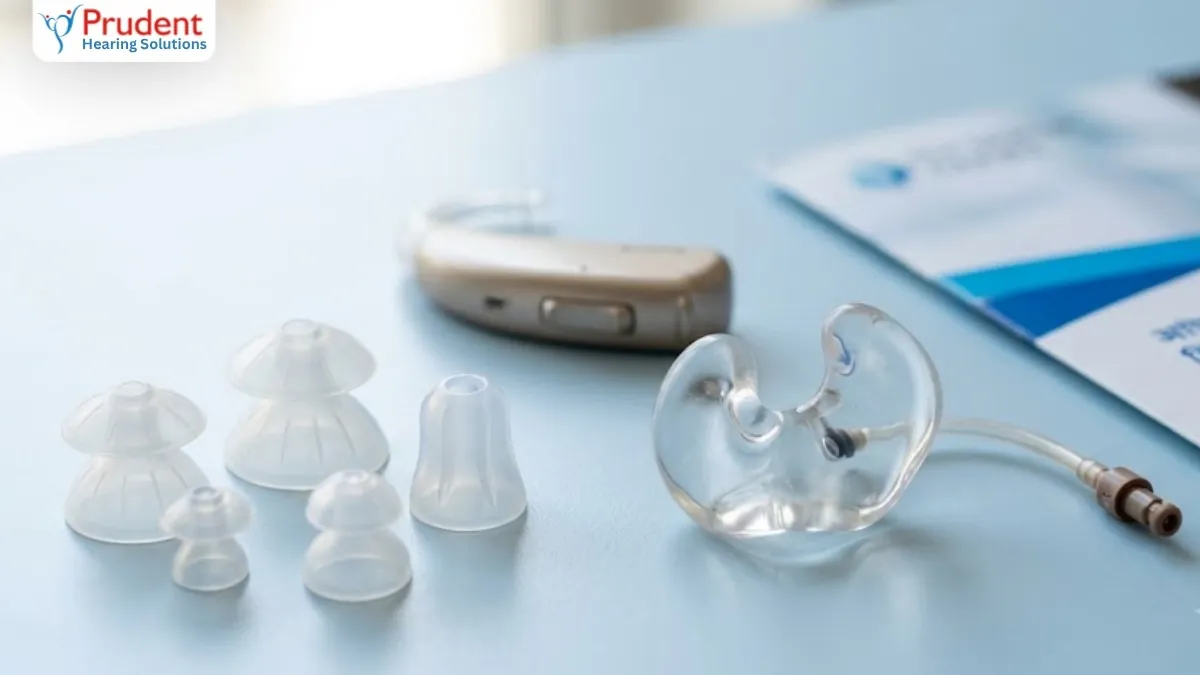
- Inspect the dome for a loose or wrong-sized fit; a dome that has hardened or split needs replacing. If re-seating and cleaning do not settle it, the clinic can fit a better-sealing dome or adjust the settings.
Will not connect to the phone or app
- Check your phone's Bluetooth is on and the aids are charged and switched on.
- Close and reopen the Signia app; if it still will not pair, remove the aids from your phone's Bluetooth list and pair again from scratch.
- Restart the aids (back on the charger for a moment, or open and close the battery door) and restart the phone.
- Confirm your phone is compatible: iPhones on a recent iOS stream smoothly, while direct Android streaming needs Android 10 or newer plus a supported phone and Signia model, so it genuinely varies from handset to handset.
Our guide to the Signia app and phone connectivity goes deeper on pairing and which phones work. Between visits, the on-board Signia Assistant in the app can also fine-tune the sound if a situation does not sound right.
"A hearing aid manages hearing loss, but it does not cure it. If speech is still hard after a clean, a filter change and a good fitting, the answer is a check-up, not a louder setting."
One last reassurance: if a Signia sounds odd in the first few weeks, that is often your brain adjusting rather than a fault with the aid. It usually takes about two to four weeks to get used to hearing the full range of sound again, and a follow-up fine-tuning visit is a normal part of the process, not a sign you bought the wrong device.
Choosing a new Signia rather than troubleshooting an old one? Compare the current range in our guide to Signia hearing aid models and prices.
Get a free check-up at Prudent Hearing
Prudent Hearing Solutions has been fitting and servicing Signia since 2004, and our audiologists are RCI-registered. If your Signia is not sounding right, or you are simply due a service, bring it in. We will clean it, change the wax filter, run a drying cycle and check the fitting, and if your hearing has changed we will tell you honestly.
Book a free 45-minute hearing test at our clinics in Pune (Viman Nagar), Delhi (Rohini and Green Park) or Bengaluru (Jayanagar). We offer 0% EMI on new devices. Call +91 9429690093 to fix a time.
Continue reading
Frequently asked questions
How do I know if my Signia hearing aid is working properly?
A properly working Signia feels comfortable and delivers clear, steady speech in a quiet room without you constantly turning up the volume. Cup it in your hand and it should whistle (that feedback means the microphone and speaker are both live), and it should power on with a chime or charging light.
Your own voice should sound natural, and the Signia app should show a battery level and stay connected. If speech is muffled, one ear is dead, or it whistles constantly in normal use, run the troubleshooting checks before assuming a fault.
How do I care for my Signia hearing aids?
Each night, wipe the shell with a dry microfibre cloth, brush the microphone ports and wax guard, and store the aids in a drying kit or dehumidifier to pull out the day's sweat and humidity. Rechargeable models go on the charger; battery models get the battery door opened. Weekly, change the wax filter if sound is muffled and check the dome for debris. Never use tissue paper, never blow on the aid, and never leave it in a hot car or wash it under a tap.
Are Signia hearing aids water resistant?
Most modern Signia models carry an IP68 rating, so they resist dust and cope well with sweat, humidity and the odd splash or light rain, which is very handy in Indian conditions. But water resistant is not waterproof: do not swim, shower or bathe in them, and never deliberately submerge them. If one gets soaked, remove or switch off the battery, dry it, and leave it in a drying kit overnight rather than using a hairdryer or radiator.
How long do Signia hearing aid batteries last?
Rechargeable Signia models such as the Pure and Styletto Charge&Go give roughly a full day on an overnight charge, a little less with heavy Bluetooth streaming. Disposable-battery models use size 312, 13 or 10 zinc-air cells that last from a few days to about two weeks each, with smaller size-10 cells draining fastest. Separately, the built-in rechargeable cell slowly loses capacity over several years and can usually be serviced by Signia rather than needing a whole new device.
How often do I need to replace my hearing aids?
A well-maintained Signia typically lasts about four to six years before replacement makes sense. You usually replace either because the hardware is worn (repeated breakdowns or a battery that no longer holds a day's charge even after servicing), or because your hearing has changed enough that a newer, better-tuned device would help. Discontinued support for an older model or a real jump in technology can also justify an upgrade. The right time is when an audiologist, after a hearing test, confirms a new fitting will genuinely help.
How do I troubleshoot my Signia hearing aids?
For no sound, check the charge or battery, make sure it is switched on and not muted, and change a blocked wax filter. For weak or muffled sound, change the wax filter and clean the dome. It is almost always earwax, and deep canal wax may need professional removal. For whistling, re-seat the dome deeper in your ear and clear any wax; for pairing problems, restart the aids and phone, and re-pair from scratch. If a clean, a fresh filter and re-seating do not fix it, book a clinic visit.
Free consultation
Ready to hear the difference?
Book a free 45-minute hearing test at any Prudent Hearing clinic: no obligation, honest advice, expert audiologists.